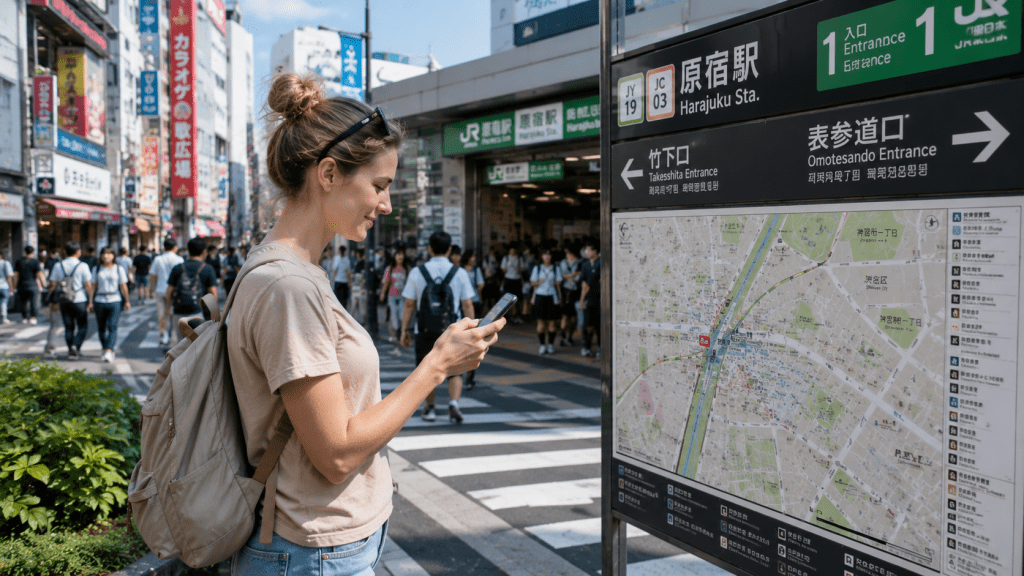
Staying connected can make traveling in Japan much easier.
You may need internet access to check train routes, use maps, translate Japanese, search for restaurants or contact your accommodation.
Fortunately, travelers have several ways to get online in Japan.
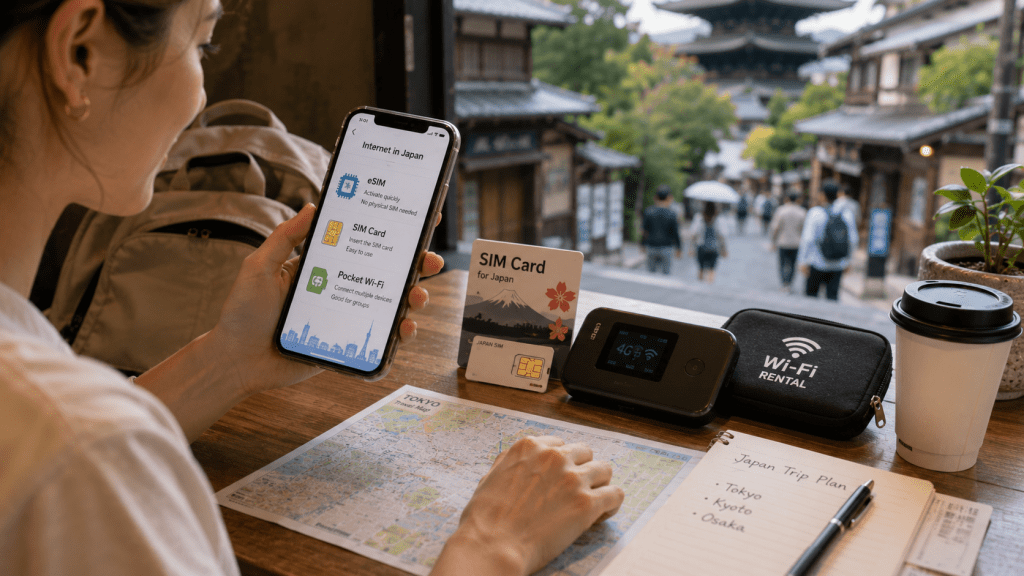
The three most common options are eSIMs, physical SIM cards and pocket Wi-Fi.
Each option works differently, and the best choice depends on your phone, travel style and how many people are traveling with you.
This guide explains the differences between eSIMs, SIM cards and pocket Wi-Fi so you can choose the right option before your trip to Japan.
1. Why Internet Access Is So Useful in Japan
Japan has an excellent transportation system, but navigating unfamiliar stations and cities can still be challenging for first-time visitors.
Having internet access makes everyday travel much easier.
You can check train routes, use maps, translate signs, search for restaurants and attractions, and contact hotels while you are on the move.
Free Wi-Fi is available in many hotels, airports, cafes and other locations, but relying entirely on public Wi-Fi can be inconvenient.
Having your own connection gives you much more flexibility, especially when exploring unfamiliar neighborhoods or traveling between cities.
2. The Three Main Options: eSIM, SIM Card and Pocket Wi-Fi
Most international travelers choose one of three ways to stay connected in Japan:
eSIM
A digital SIM that can be installed on a compatible smartphone without inserting a physical SIM card.
Physical SIM Card
A traditional SIM card that you insert into your phone.
Pocket Wi-Fi
A small portable Wi-Fi router that allows your phone and other devices to connect to the internet.
All three options can work well.
The important question is not which one is best for everyone, but which one best matches your trip.
3. What Is an eSIM?
An eSIM is a digital SIM that can be installed on a compatible smartphone without replacing the physical SIM card inside your device.
Depending on the provider, setup may involve scanning a QR code, installing an app or following activation instructions.
One of the biggest advantages is that you can often purchase and prepare an eSIM before arriving in Japan.
This means you may be able to connect shortly after landing without visiting a store or collecting a separate device.
For travelers with compatible phones, an eSIM can be one of the simplest ways to stay connected.
iPhone users can also check Apple’s official list of wireless carriers and worldwide service providers that offer eSIM services.
4. Check Your Phone Before Buying an eSIM
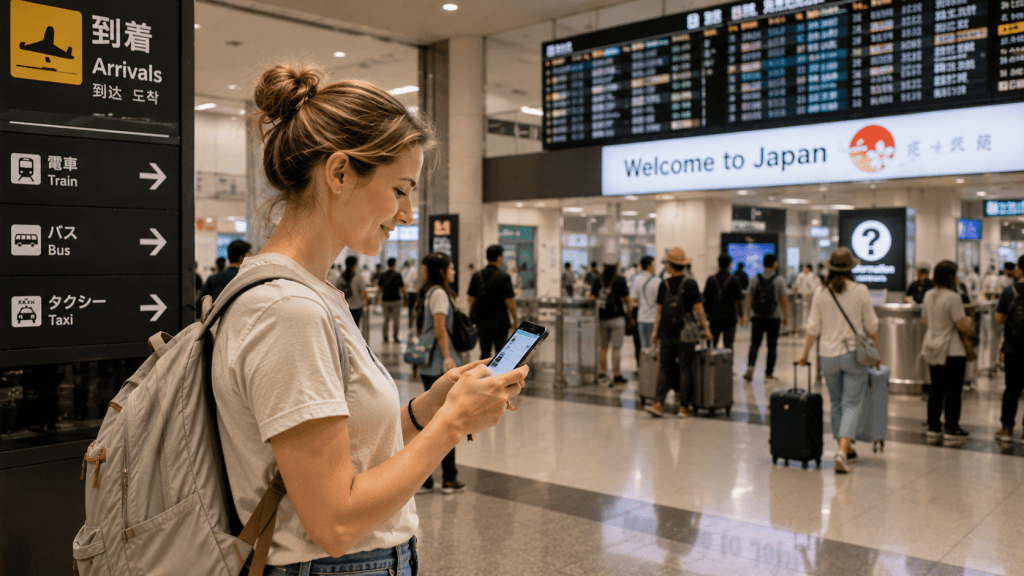
Before buying an eSIM, make sure your phone supports the technology.
Compatibility can depend on the device model, where the phone was purchased and your mobile carrier.
If you plan to use an eSIM from a different carrier or travel eSIM provider, your phone may also need to be unlocked.
Check your device manufacturer’s official information and your carrier’s requirements before purchasing.
For iPhone users, you can check the device’s carrier lock status in Settings > General > About. An unlocked iPhone will show “No SIM Restrictions” next to Carrier Lock.
For Google Pixel users, Google also provides official information about using and managing eSIMs.
Android compatibility varies by manufacturer and model, so check the official support information for your specific device.
Doing this before your trip can prevent the frustrating situation of arriving in Japan with an eSIM that your phone cannot use.
5. What Is a Physical SIM Card?
A physical SIM card is the traditional alternative to an eSIM.
You insert the SIM card into your phone and follow the provider’s instructions to connect to a mobile network.
Travel SIM cards are available from various providers, and some can also be purchased after arriving in Japan.
A physical SIM can be useful if your phone does not support eSIM but can use an unlocked SIM from another provider.
For many travelers, the main disadvantage is simply the need to remove or replace the SIM already inside the phone.
6. What Is Pocket Wi-Fi?
Pocket Wi-Fi is a small portable router that creates a personal Wi-Fi network while you travel.
Instead of installing a SIM or eSIM on every device, you connect your smartphone, tablet or laptop to the router through Wi-Fi.
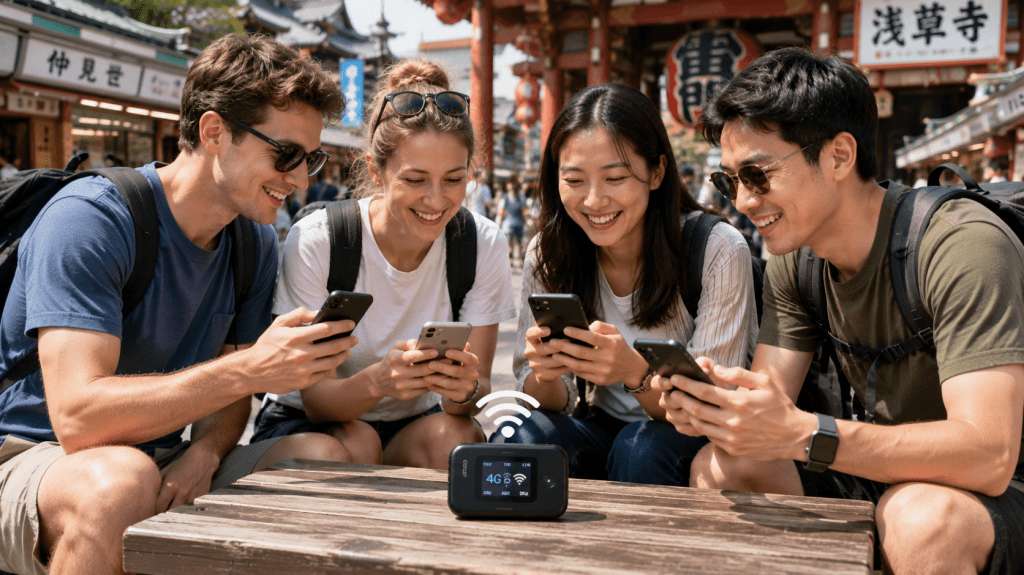
This can be particularly useful for families, couples or groups traveling together.
It can also be convenient for travelers carrying several devices.
Pocket Wi-Fi devices can be rented from various providers, with pickup or delivery options depending on the service.
7. Pros and Cons of Using an eSIM in Japan
For many travelers with compatible smartphones, an eSIM is one of the most convenient options.
Advantages of an eSIM
You do not need to carry an extra device.
There is no physical SIM card to remove, store or potentially lose.
You can often purchase and prepare the eSIM before leaving home.
Once it is set up correctly, your phone can connect to mobile data without relying on a separate Wi-Fi router.
Disadvantages of an eSIM
Not every phone supports eSIM.
Device compatibility can vary by model, country of purchase and carrier.
Setup may also feel unfamiliar if you have never used an eSIM before.
For most solo travelers with a compatible unlocked phone, however, an eSIM is often the simplest place to start.
8. Pros and Cons of Using a Physical SIM Card
A physical SIM card remains a practical option, especially for travelers whose phones do not support eSIM.
Advantages of a Physical SIM Card
It is familiar to many travelers.
You do not need to carry or charge another device.
Once installed and activated, your phone can connect directly to mobile data.
Disadvantages of a Physical SIM Card
You may need to remove your existing SIM card.
You need to keep that SIM card somewhere safe during your trip.
Your phone also needs to be compatible with the SIM and generally unlocked for use with another provider.
If your phone supports eSIM, a physical SIM may offer fewer convenience advantages, but it remains a useful alternative.
9. Pros and Cons of Pocket Wi-Fi
Pocket Wi-Fi can be an excellent choice when several people or devices need internet access.
Advantages of Pocket Wi-Fi
Multiple devices can usually connect to the same router.
This can be useful for families, couples or groups traveling together.
You can also connect devices such as tablets and laptops without setting up a separate mobile plan for each one.
Disadvantages of Pocket Wi-Fi
You need to carry another device during the day.
The router needs to stay charged.
Members of your group generally need to remain close enough to the router to stay connected.
You may also need to collect and return the device according to the rental provider’s instructions.
Pocket Wi-Fi makes the most sense when several people or devices will often be traveling together.
10. eSIM vs SIM Card vs Pocket Wi-Fi
The easiest way to choose between an eSIM, physical SIM and pocket Wi-Fi is to think about how you will actually travel.
Here is a simple comparison:
| Option | Best For | Main Advantage | Main Drawback |
|---|---|---|---|
| eSIM | Solo travelers with compatible phones | No extra device to carry | Not supported by every phone |
| Physical SIM | Travelers without eSIM support | Familiar and straightforward | Requires handling a physical SIM |
| Pocket Wi-Fi | Families, groups and multiple devices | Several devices can connect | Must be carried and charged |
There is no single option that is best for every traveler.
For many solo travelers with compatible phones, an eSIM offers the simplest balance of convenience and flexibility.
For families or groups that stay together, pocket Wi-Fi can be a practical alternative.
A physical SIM remains useful when eSIM is not available on your device.
11. How Much Mobile Data Do You Need in Japan?
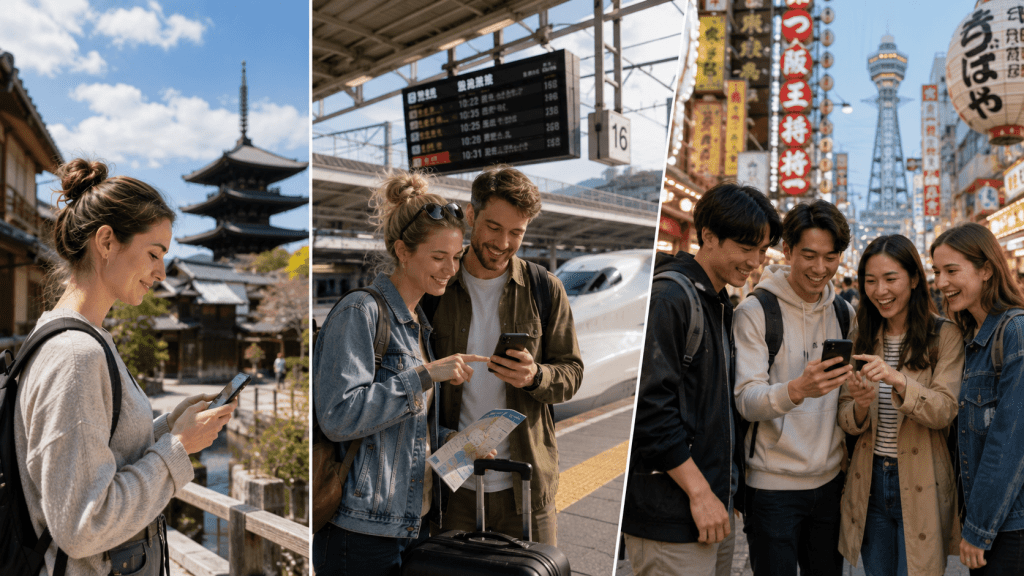
How much data you need depends on how you use your phone.
Travelers who mainly use maps, train searches, messaging and basic web browsing will generally use less data than travelers who frequently upload videos, make video calls or stream content.
Think about what you normally do with your phone during a full day away from Wi-Fi.
Lower data use may include:
maps, train route searches, messaging, translation and basic browsing.
Higher data use may include:
video streaming, frequent social media uploads, video calls and using your phone as a hotspot for other devices.
Hotel Wi-Fi can also reduce the amount of mobile data you use during your trip.
Rather than automatically choosing the largest plan, choose a data allowance that matches the way you expect to travel.
12. Do You Need Unlimited Data?
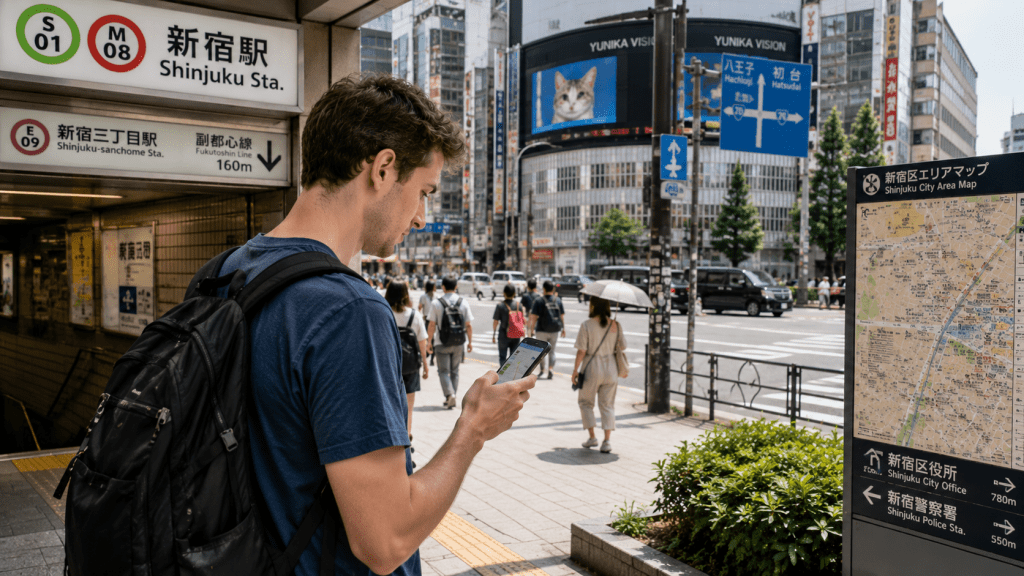
Not necessarily.
Unlimited data can be convenient for travelers who use their phones heavily, but many visitors mainly need mobile data for navigation, transportation, messaging and occasional searches.
Before paying more for an unlimited plan, think about how much data you realistically use.
Also check what the provider means by “unlimited.”
Some plans may have fair-use policies, speed restrictions or other conditions after a certain level of usage.
Always read the current plan details before purchasing.
13. Can You Rely on Free Wi-Fi in Japan?
Free Wi-Fi is available in many airports, hotels, cafes and other public locations in Japan.
It can be useful, but relying entirely on free Wi-Fi can make traveling less convenient.
Connections may not always be available exactly when you need them, and some public networks can be slower or less reliable than your own mobile connection.
This becomes particularly important when you are navigating unfamiliar streets, checking a train route or trying to contact your accommodation.
Think of free Wi-Fi as a useful backup rather than your only way to get online.

14. What About International Roaming?
Your existing mobile carrier may also offer international roaming in Japan.
For some travelers, this can be the simplest option because you do not need to install an eSIM, replace a SIM card or carry a separate Wi-Fi device.
However, roaming prices, data allowances and speed policies vary significantly between carriers and plans.
Before leaving home, check exactly what your current carrier charges for using mobile data in Japan.
If international roaming is already included in your plan at a reasonable cost, you may not need to purchase another connectivity option.
15. Which Option Is Best for Your Japan Trip?
A simple way to decide is to match the connection method to your travel style.
Choose an eSIM if:
You have a compatible unlocked phone and want a simple connection without carrying another device.
Choose a physical SIM if:
Your phone does not support eSIM but can use an unlocked travel SIM.
Choose pocket Wi-Fi if:
You are traveling with family or friends, need to connect several devices or prefer sharing one portable Wi-Fi connection.
For many solo travelers, an eSIM will be the most convenient choice.
For families and groups that expect to stay together, pocket Wi-Fi can still be an excellent option.
The right choice is the one that gives you reliable internet access without adding unnecessary complexity to your trip.
16. Set Everything Up Before You Arrive in Japan
Whichever option you choose, prepare as much as possible before your trip.
For eSIM:
Confirm device compatibility, check that your phone is unlocked if required, and read the installation instructions before departure.
For a physical SIM:
Confirm that your phone is unlocked and compatible with the SIM you plan to use.
For pocket Wi-Fi:
Check where you will collect or receive the router and how it needs to be returned.
It is much easier to solve a connectivity problem at home than after arriving at a busy airport or train station in Japan.
A few minutes of preparation before departure can make the beginning of your trip much smoother.
Stay Connected and Enjoy Your Trip
Staying connected in Japan does not need to be complicated.
For many solo travelers with compatible phones, an eSIM is a simple and convenient choice. Physical SIM cards remain useful for devices without eSIM support, while pocket Wi-Fi can work particularly well for families, groups and travelers carrying several devices.
The most important thing is to check compatibility and prepare your connection before you arrive.
Once you are online, navigating trains, finding restaurants, using maps and adjusting your plans becomes much easier.
Planning your first visit? Read our First Time in Japan guide for essential travel advice before you go.
Traveling around the country? Our Getting Around Japan guide explains trains, IC cards and the Shinkansen.
And if you are planning your overall expenses, see our Japan Travel Budget guide for a practical look at the cost of traveling in Japan.
 Beyond Japan Guide
Leave a comment